Your project library
Creation that compounds
with every short
Your cast, settings and style grow with your project. Start the next short with the world you’ve already built.

Keep building on the world you’ve made
- A library that stays with you
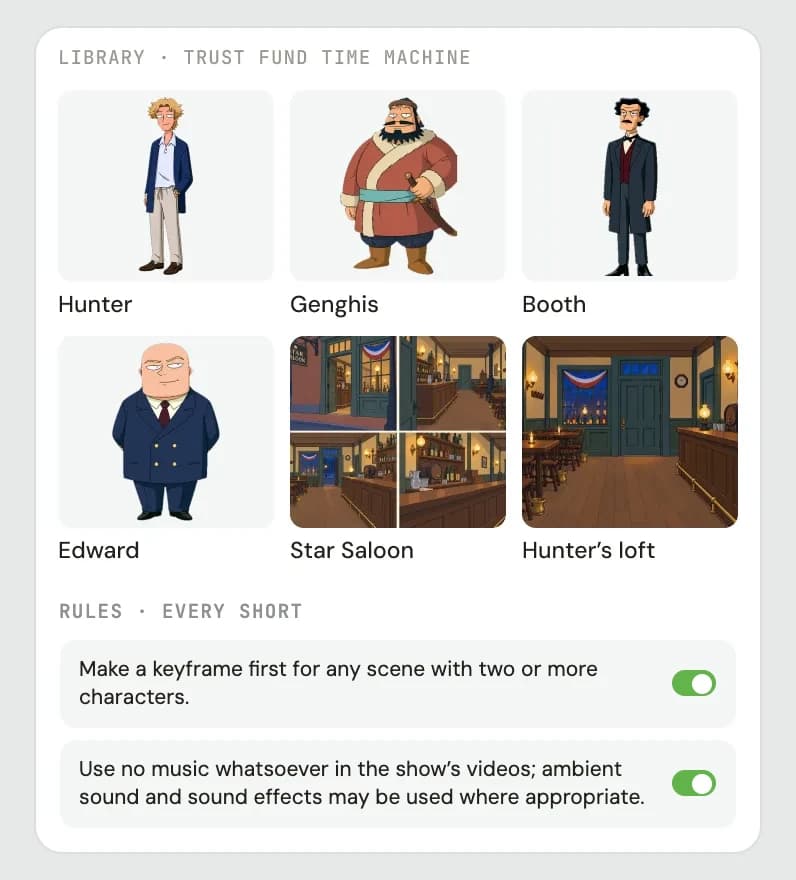
- Characters, voices, settings and props live with the project. Bring the assets you need into a new short without creating them again.
- A shared visual direction
- Keep the project’s style and show rules close to the work. Use the same references as you develop another scene.
- Rules Fringe remembers
- Tell Fringe a rule once, like making a keyframe for any scene with two or more characters. It follows it in every short after.
Give your next short a head start
- 1
Build your world
Create the characters, voices, settings and props for your first short. Keep the references you want to use again.
- 2
Save the direction
Describe the style and show rules that make the project yours. Reuse that context as you direct more scenes.
- 3
Start the next short
Bring the cast and assets into another short within the project. Spend your time on what happens next.
The next episode starts ahead
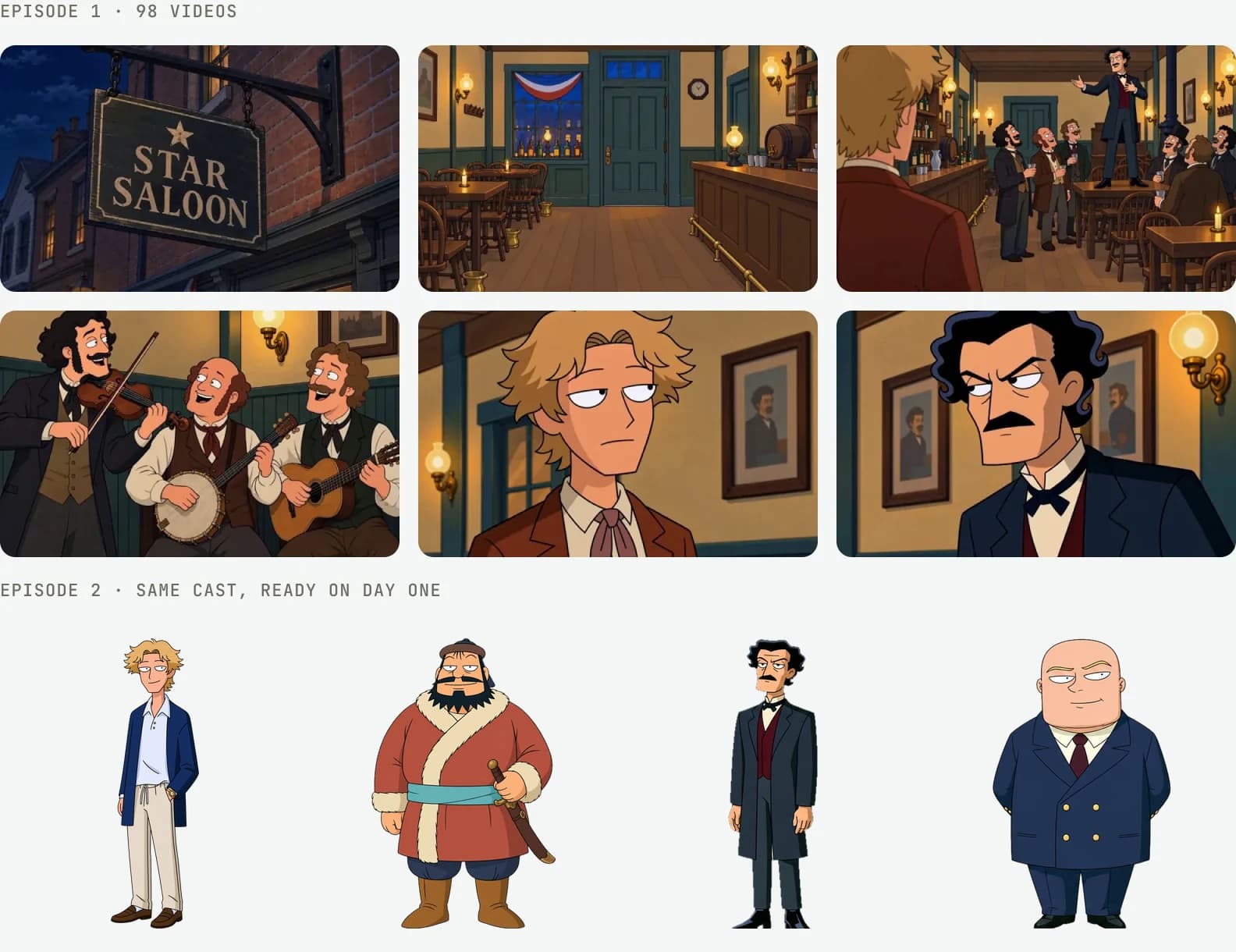
Back to the time machine
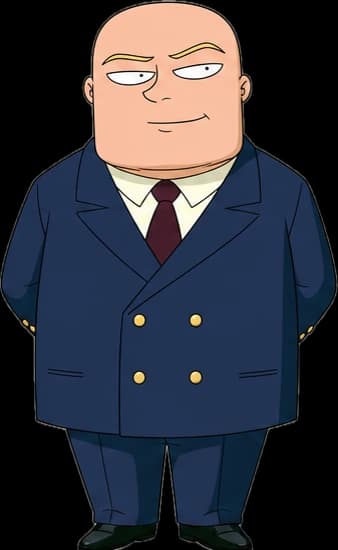
The Trust Fund Time Machine project returns to Hunter, Genghis, Booth, Edward and the Star Saloon as the story continues. The next short builds on a world that already exists.
Reuse the cast and settings you need, then add the new details that make this part of the story different.
Questions
How do I reuse AI characters across episodes?
Keep the characters in your Fringe project library and use their saved images and voices when preparing another short in that project. Bring the references into each new scene and review the generated takes.
What can I reuse in the next short?
Characters, voices, settings, props and your project’s visual direction can carry forward. Choose the assets the new scene needs and add more as the story grows.
Will Fringe follow my rules in the next short?
Yes. Rules are saved in your project’s Project Bible, so Fringe follows them in every short you make there. A rule can cover the whole project, every clip or a single short, and you can switch it off when a scene needs something different.
Can I change the cast or style as the project develops?
Yes. Create new assets or variations and choose the references that fit each scene. Keep the earlier versions available when you still need them for other shorts.
Advanced tools, made accessible
- Characters
Consistent characters
Same face, outfit and voice in every video.
Create - Storyboards
Script to storyboard
Paste a scene. Get panels and timing for each video.
Plan - Directing
Directing a video
Starting frames, blocking and notes shape each video.
Direct - Models
All the models in one place
Select your favorites or let Fringe intelligently handle it for you.
Compare
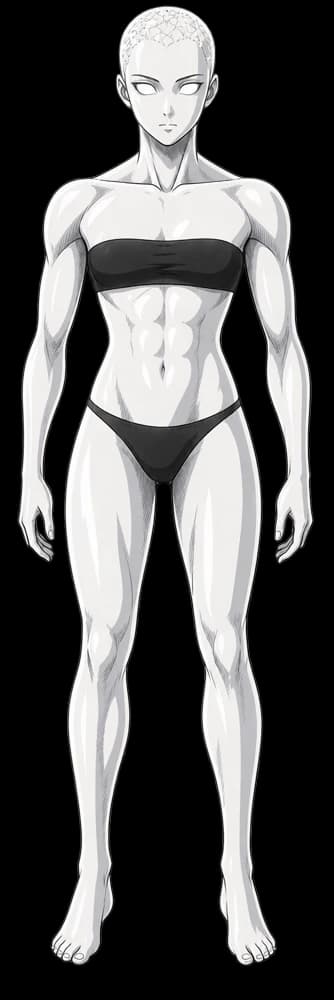



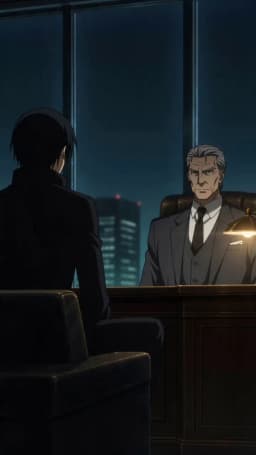
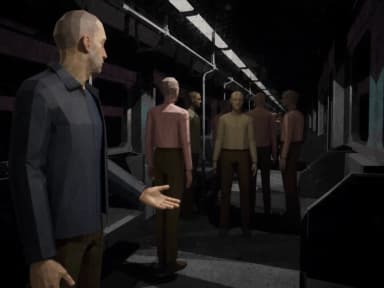
 Seedance
 Veo
 Kling
 MiniMax
 GPT Image
 Grok
Now casting your next story
Start your first project for free, no card required.