AI storyboarding
Script to storyboard
ready for action
Bring a script or idea. Fringe helps plan the shots, timing and assets before you make the videos.
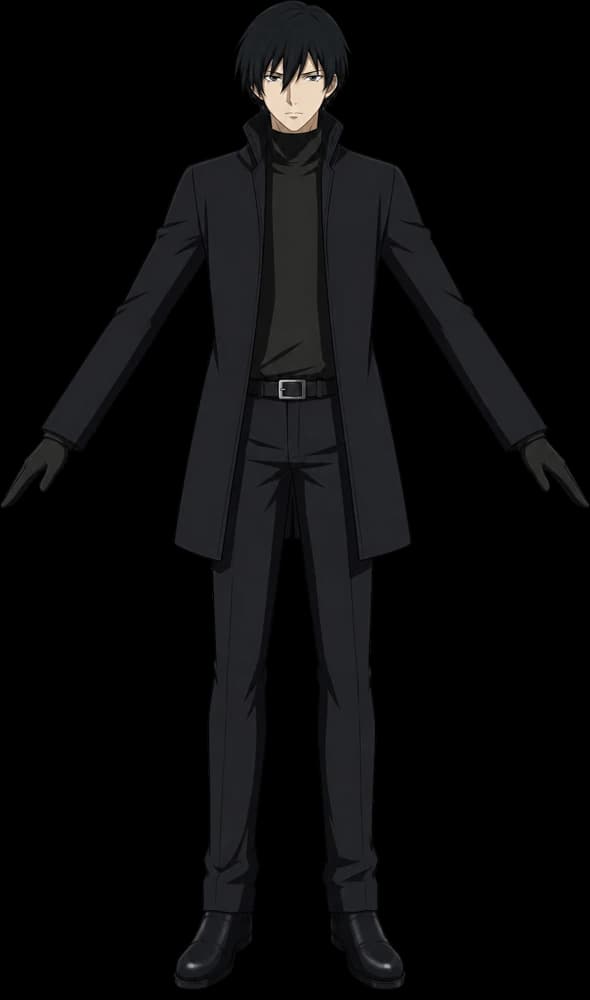
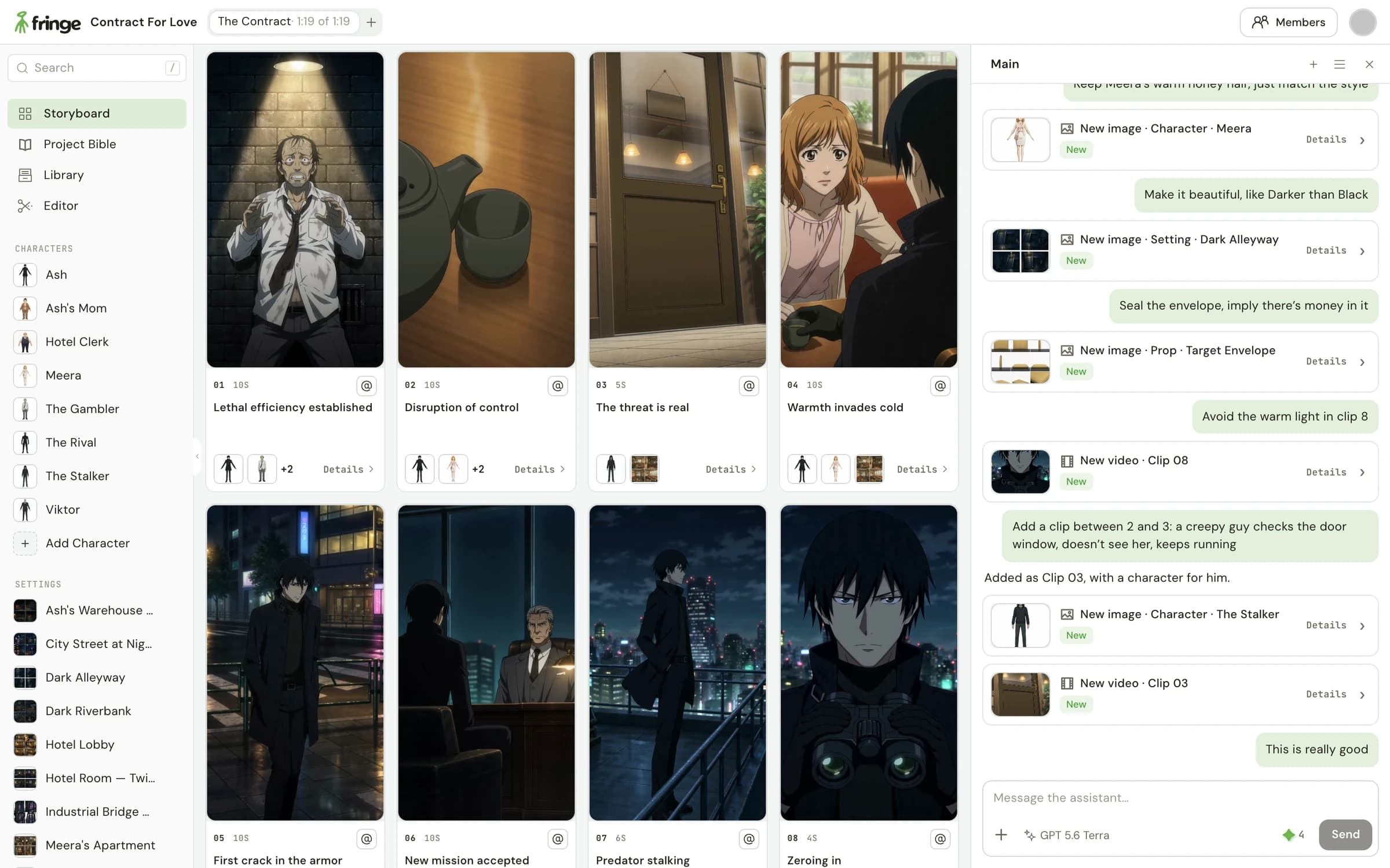
See how the scene fits together
- A panel for each shot
- See the framing and action side by side. Spot a missing reaction, an awkward cut or a moment that needs more room.
- Timing you can work with
- Give each clip a length that suits the action. Adjust the plan before spending time on the next generation.
- The right assets, in reach
- Keep the characters, settings and props attached to the shots that use them. Move from planning to making in the same project.
Turn your scene into a plan you can direct
- 1
Bring the scene
Paste a script or describe the idea. Fringe helps break it into shots and identify the assets it needs.
- 2
Shape the plan
Review the sequence, framing and timing. Give notes in chat to change how the scene unfolds.
- 3
Make the shots
Use the planned panels and references to prepare your clips. Review each take as the scene comes together.
A scene, planned shot by shot
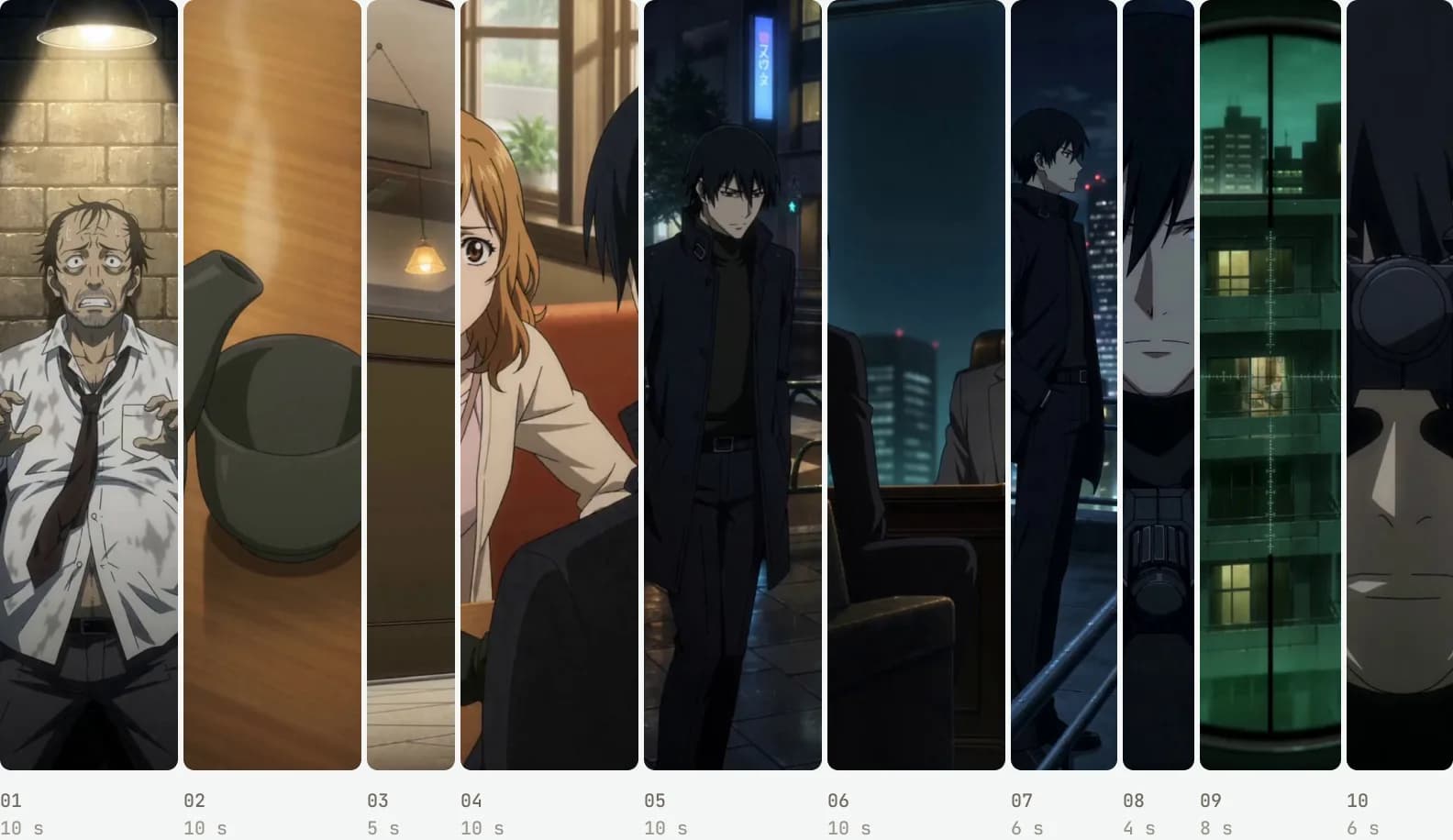
From the script to The Contract
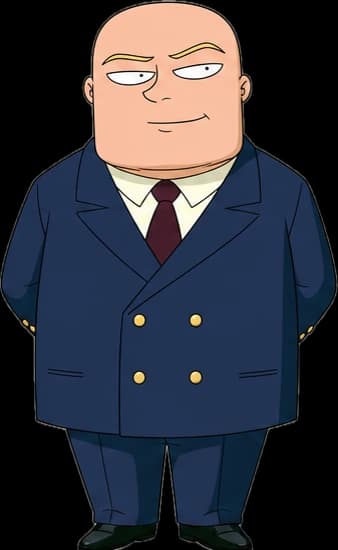
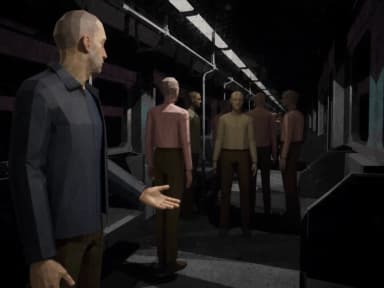
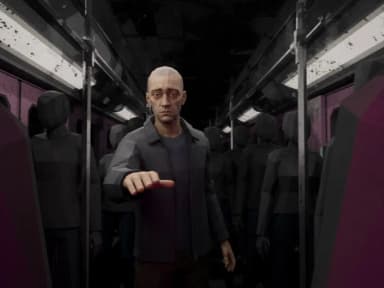
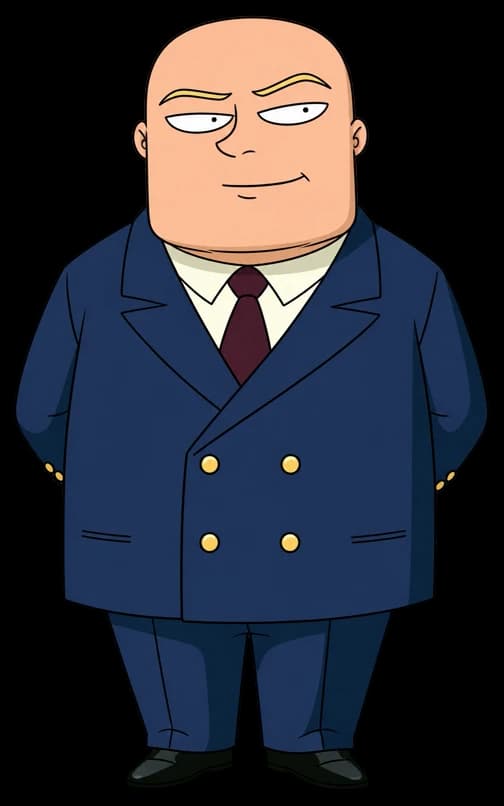
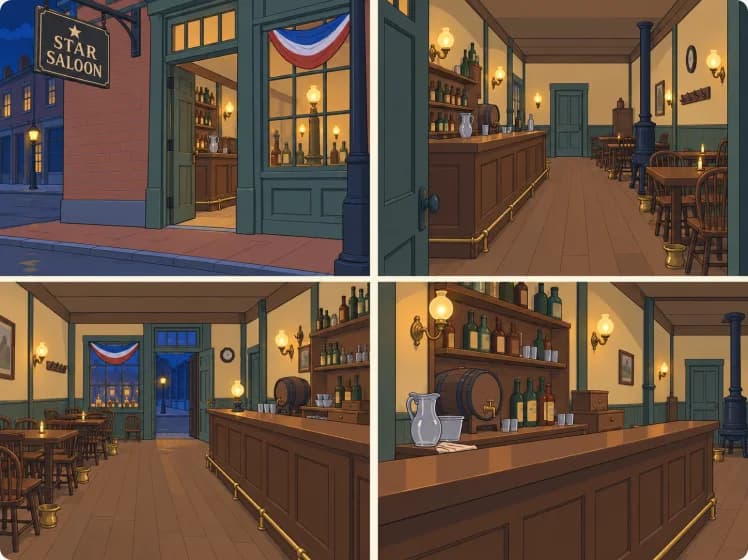
The Contract For Love project breaks a scene into a sequence of panels, from the coffee-shop exchange to the rooftop. Each shot has its own framing, timing and assets.
Looking at the sequence together makes it easier to judge the pace and coverage before you make the clips.
Questions
How do I turn a script into an AI storyboard?
Paste your scene into Fringe or describe the idea. Fringe helps plan it as clips with panels, timing and the characters, settings and props each shot needs. Review the sequence before preparing the videos.
Can I start a storyboard without a finished script?
Yes. Start with a scene or a rough idea. Use chat to develop the action and review the proposed shots before making the clips.
Can I change the order or timing of shots?
Yes. Give notes on the plan, such as moving a reaction earlier or holding a shot longer. Available video lengths depend on the model you choose for generation.
Can I make the videos from the storyboard in Fringe?
Yes. Your panels and project assets stay together as you prepare the clips. Generate and review takes in the same studio instead of rebuilding the scene in another tool.
Advanced tools, made accessible
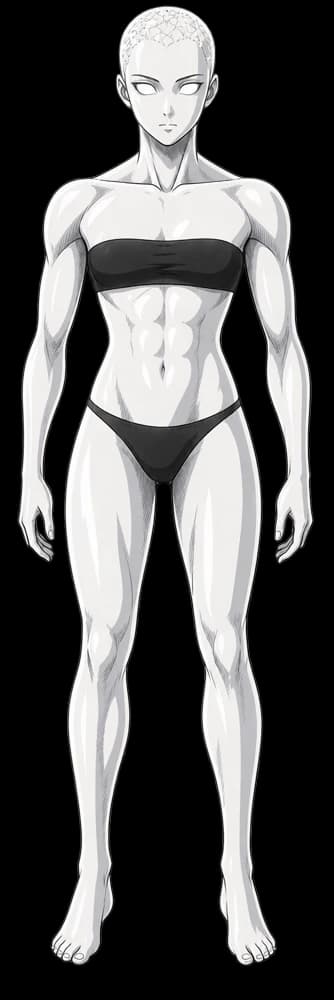
- Characters
Consistent characters
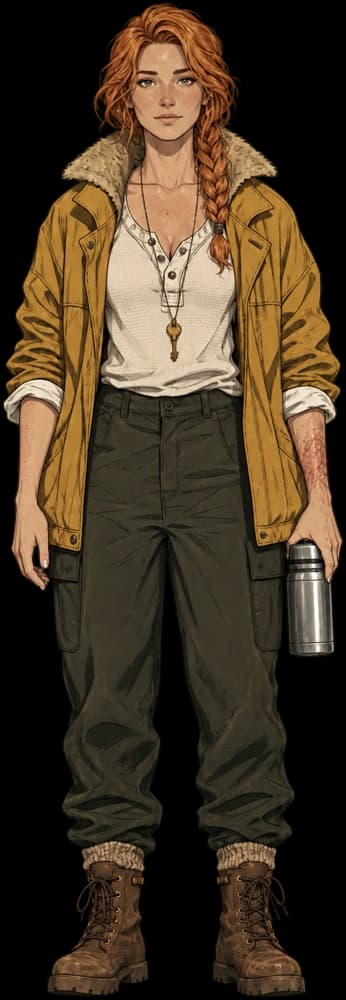
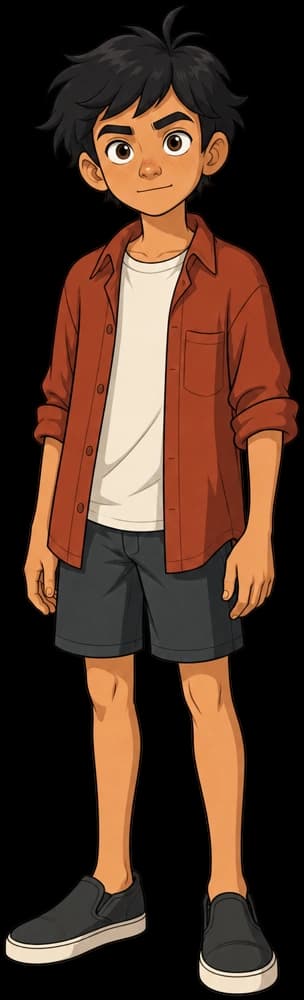
Same face, outfit and voice in every video.
Create - Directing
Directing a video
Starting frames, blocking and notes shape each video.
Direct - Your show
Creation that compounds
Reuse your assets across multiple shorts.
Reuse - Models
All the models in one place
Select your favorites or let Fringe intelligently handle it for you.
Compare

 Seedance
 Veo
 Kling
 MiniMax
 GPT Image
 Grok
Now casting your next story
Start your first project for free, no card required.