AI character creation
Consistent characters
in every scene
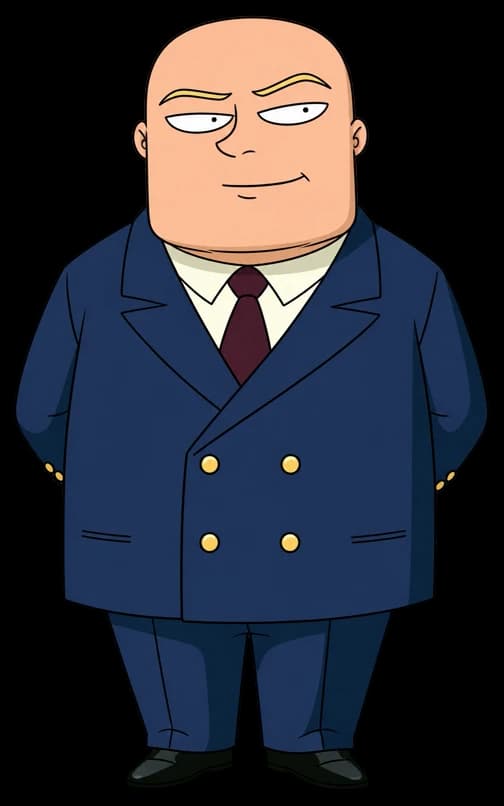
Create their look, find their voice, and bring them back in your next scene. Fringe handles the prompting.
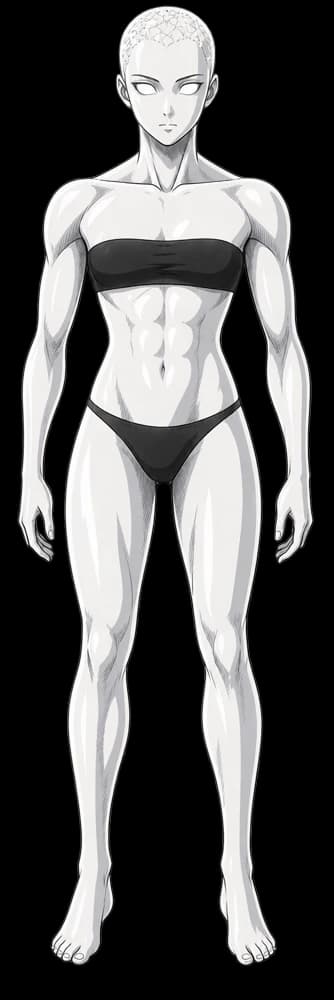
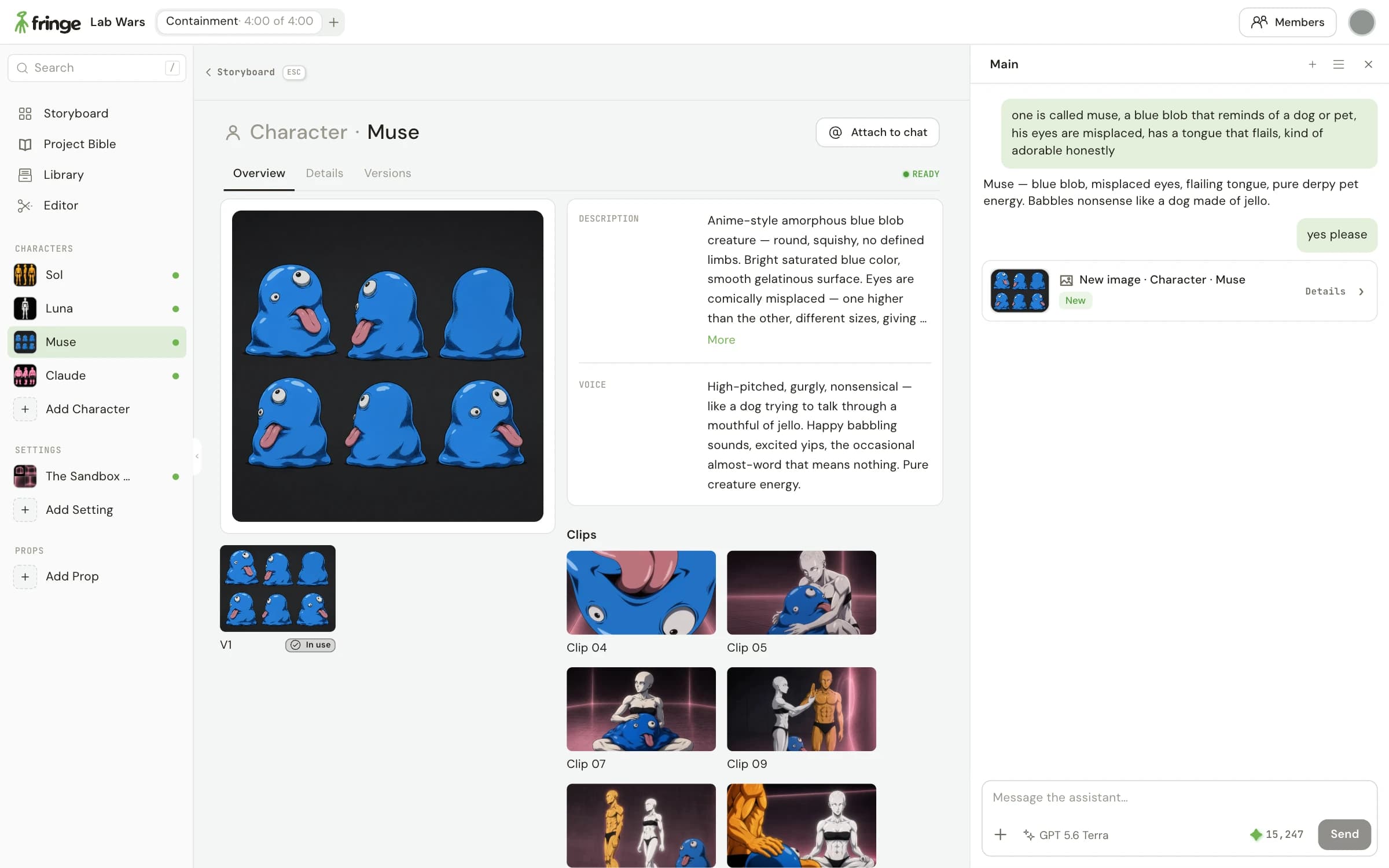
Give your character more than a face
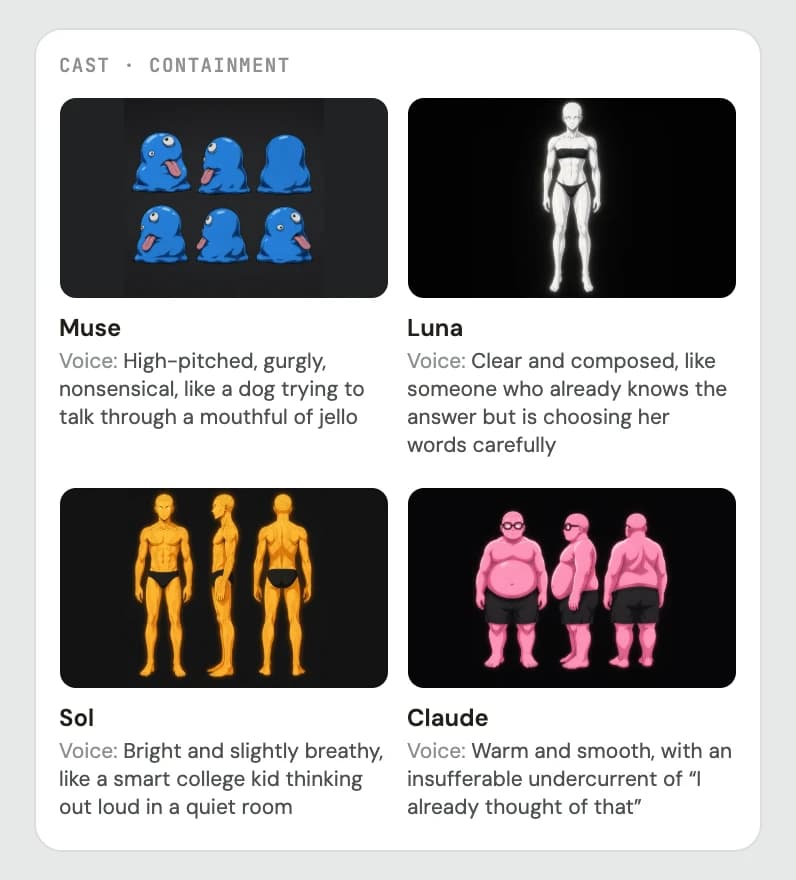
- Start with a reference
- Describe someone new or upload a sketch, photo or finished design. Use the image you choose as the reference for their next scene.
- Find their voice
- Describe the sound and delivery you have in mind. Preview the voice before you use it for the character’s dialogue.
- Make room for variations
- Try a new outfit or expression as another version. Keep the original reference close so you can return to it.
From a first idea to a familiar face
- 1
Describe your character
Bring an image or a few words. Fringe helps you create a reference image you want to keep.
- 2
Find their voice
Describe how they sound. Preview the voice and refine it before using it in a scene.
- 3
Bring them into the scene
Use the saved character as a reference. Review each result and direct the next take in chat.
A familiar cast, a new scene
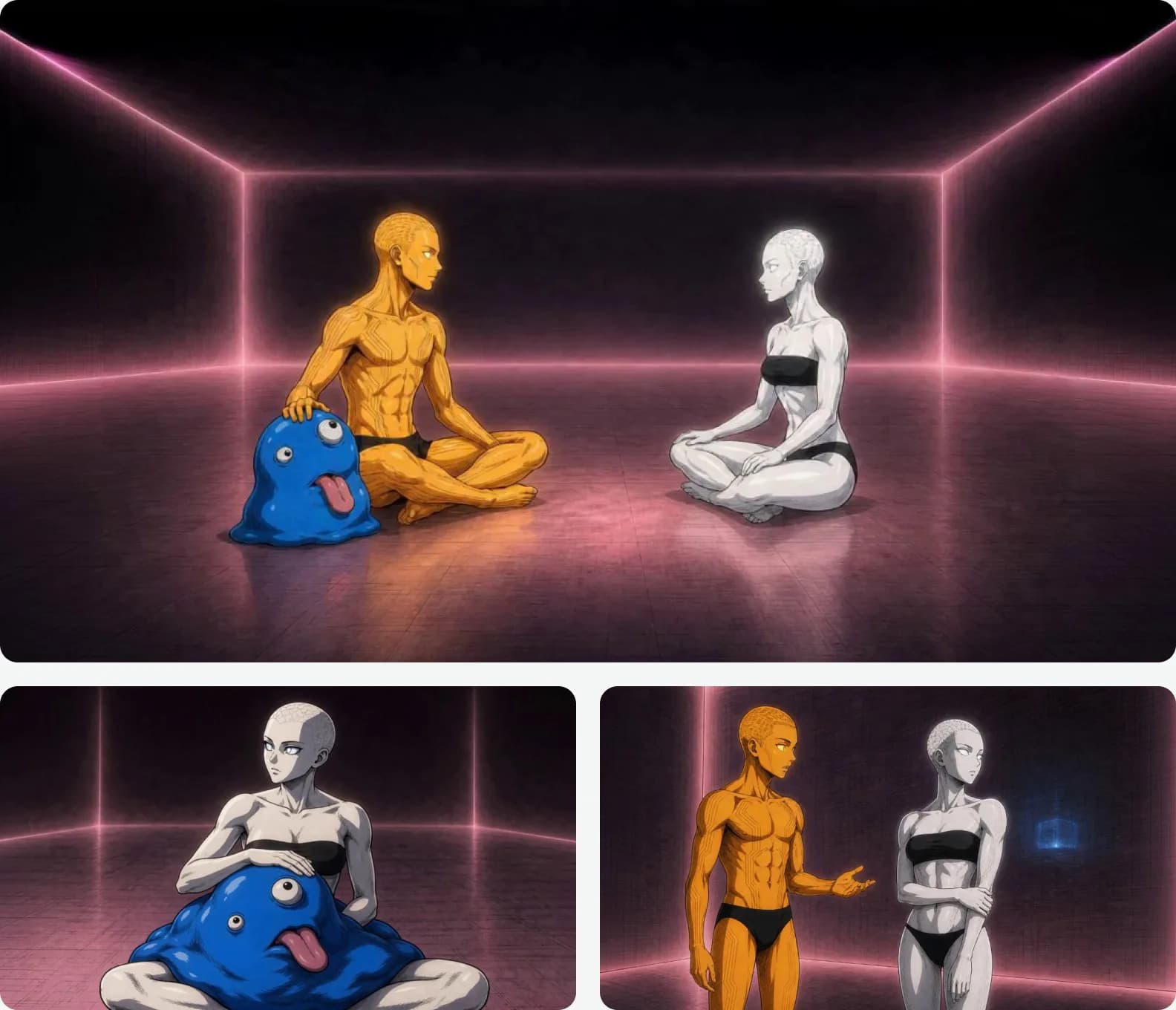
One cast, different moments
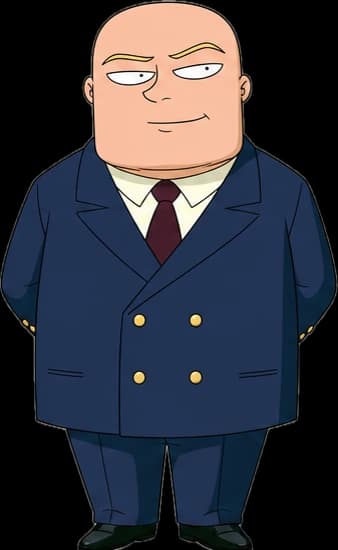
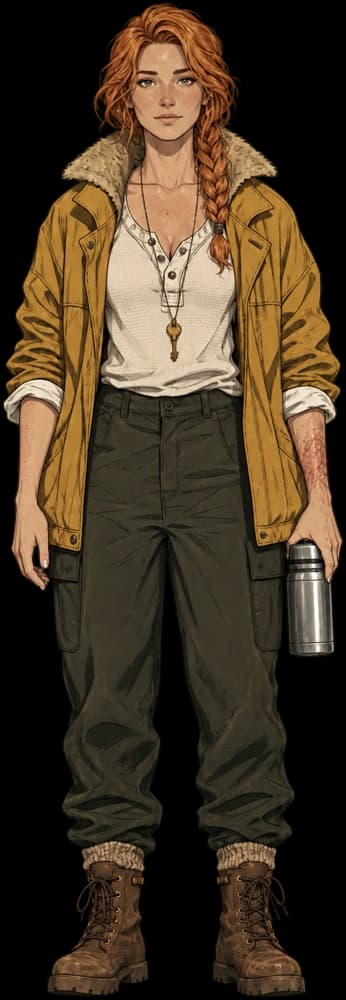
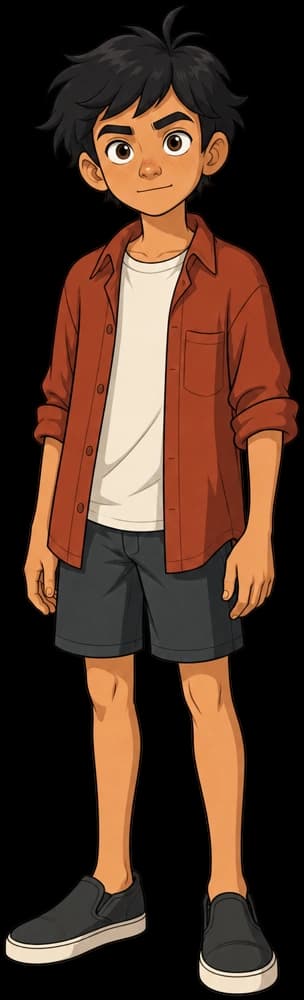
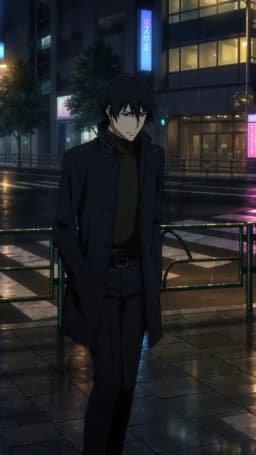
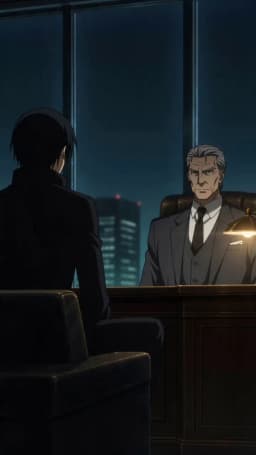
In the Lab Wars project, Muse, Luna and Sol return across scenes with the same character references. Each clip brings a different action to the cast.
Saved references give you a starting point for consistency. Check the expression, outfit and performance in each take before you keep it.
Questions
How do I keep a character consistent across AI videos?
Create a reference image for the character, then reuse it when preparing each scene. Fringe keeps character references and voices in your project so you can bring them into new clips. Review each generated take and give notes when something needs to change.
Can I give an AI character a voice?
Yes. Describe the voice you want, preview it and keep the version that fits. Use the saved voice when preparing dialogue for that character.
Can I use my own character drawing or image?
Yes. Upload a sketch, photo or finished design as a starting point. Describe what should stay the same and what you want to change.
Can I make another outfit or version of a character?
Yes. Create a variation while keeping the original reference available. Use the version that fits the scene, then review the result before making it part of your short.
Advanced tools, made accessible
- Storyboards
Script to storyboard
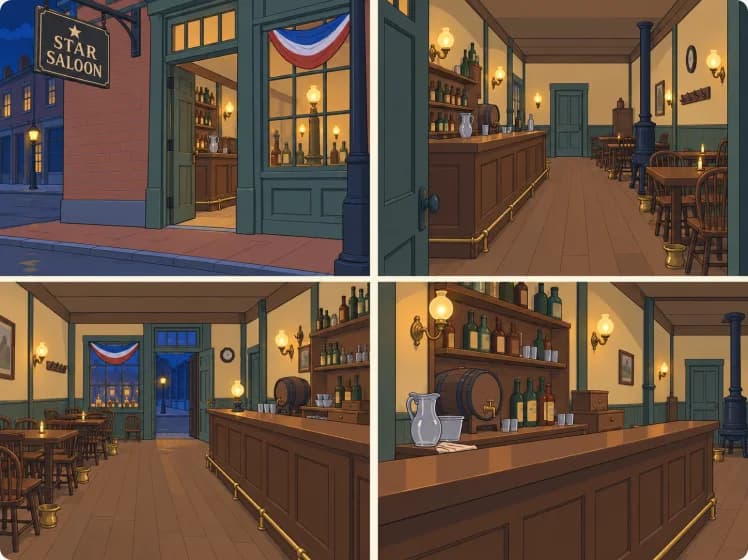
Paste a scene. Get panels and timing for each video.
Plan - Directing
Directing a video
Starting frames, blocking and notes shape each video.
Direct - Your show
Creation that compounds
Reuse your assets across multiple shorts.
Reuse - Models
All the models in one place
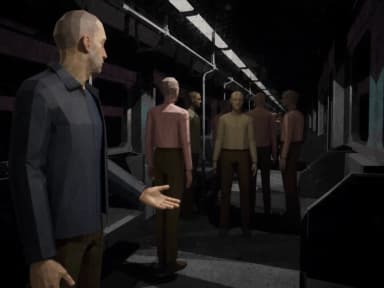
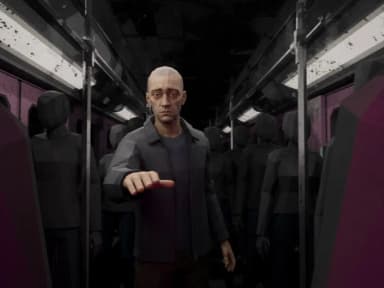
Select your favorites or let Fringe intelligently handle it for you.
Compare
 Seedance
 Veo
 Kling
 MiniMax
 GPT Image
 Grok
Now casting your next story
Start your first project for free, no card required.