

Create animated shorts
from your own

You direct incredible videos.Fringe handles the prompting and prep work.

“I’ve worked with all sorts of animation, and AI is just the next toolbox to draw from. Fringe is the best application for creating and organizing your characters, environments and props in one easy interface, with references and accessible clips. Great customer support, too.”


From first idea to final cut

  1. Bring your idea

    Fringe Builds out your story and turns it into a storyboard.

    Trust Fund Time Machine

    A useless billionaire heir and Genghis Khan bungle through history, making his evil father even richer.
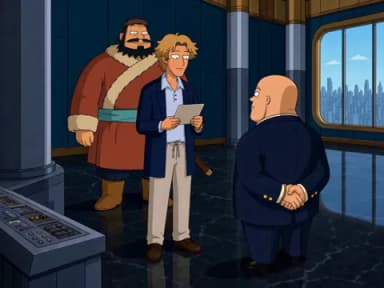
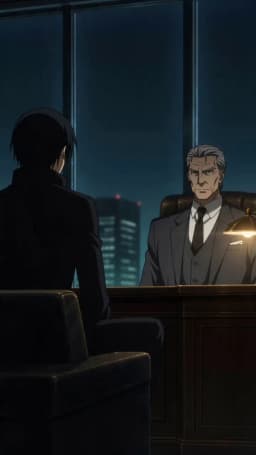
    1. Edward briefs Hunter and Genghis in the time-machine labThe mission
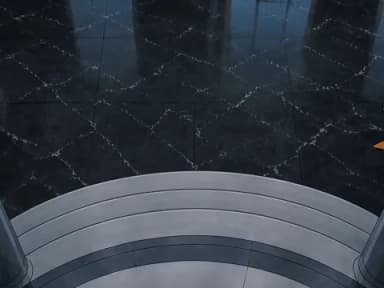
    2. The entrance to the Vil prototype time machineThe machine
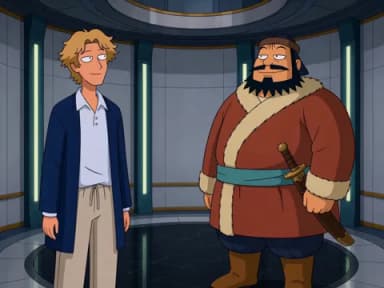
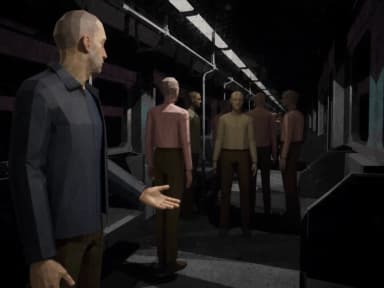
    3. Hunter and Genghis stand inside the time machine before departureTime jump
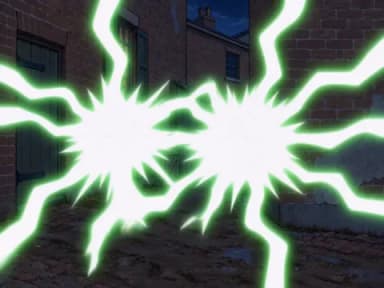
    4. A green time-travel flash in a Washington back alley in 18651865
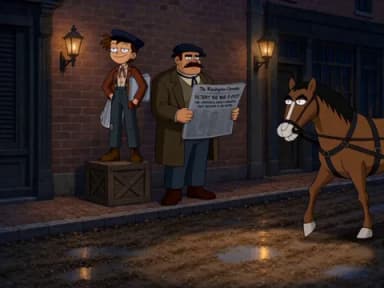
    5. Hunter and Genghis on a Washington street in period clothesWashington
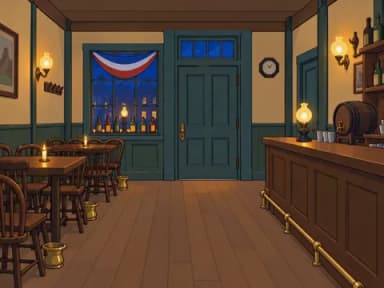
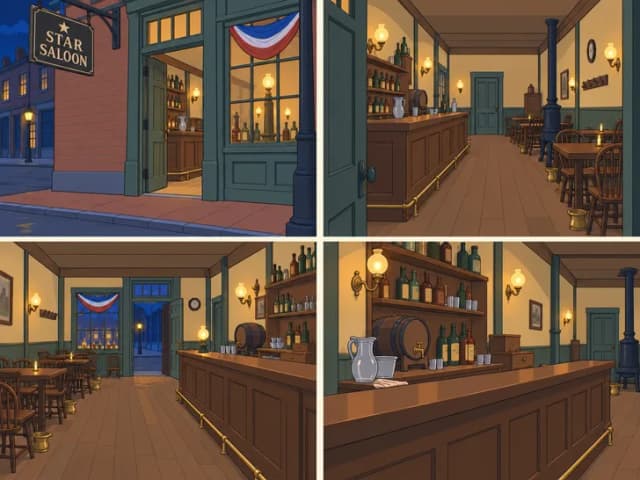
    6. The Star Saloon interior at the end of the journeyThe saloon
  2. Describe your characters and settings

    Fringe Creates reusable images from your descriptions or references, keeping every scene consistent.

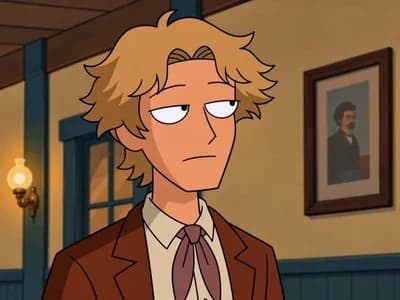
    • Hunter Vil, in a blue blazerHunter
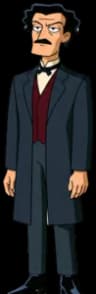
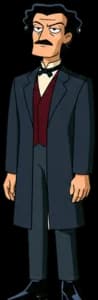
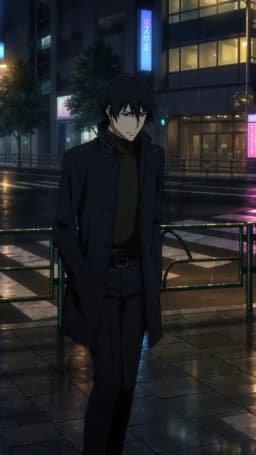
    • J. W. Booth, in a black frock coatBooth
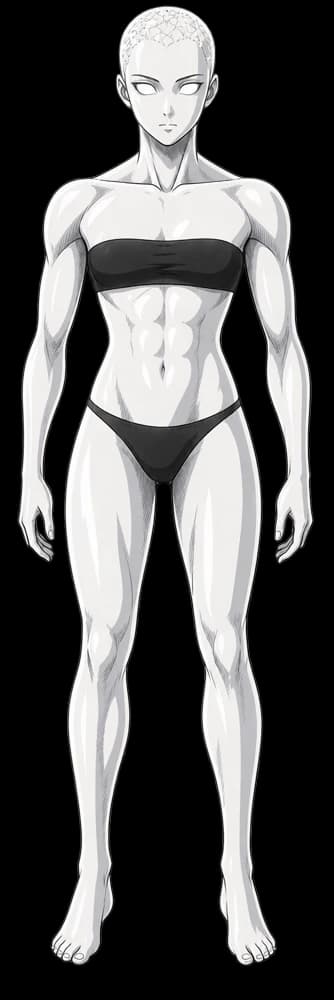
    • Genghis Khan, in a red robeGenghis
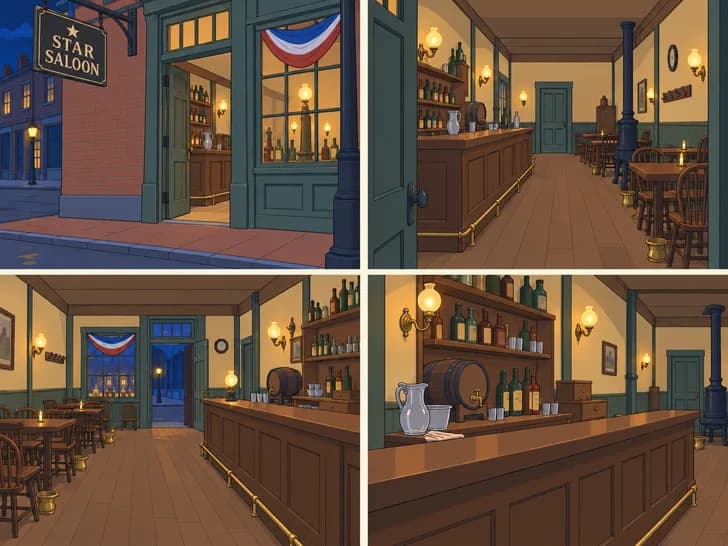
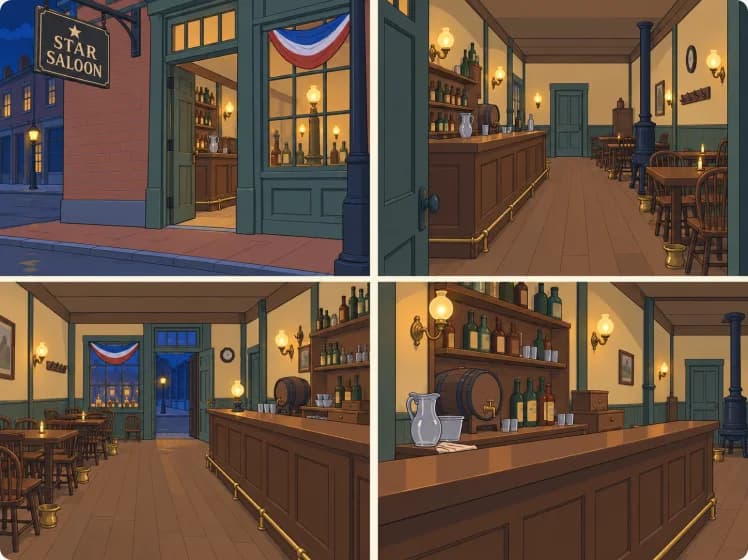
    The Star Saloon from four angles
  3. Decide what happens in each clip

    Fringe Breaks the action into timed beats and selects the references it needs.

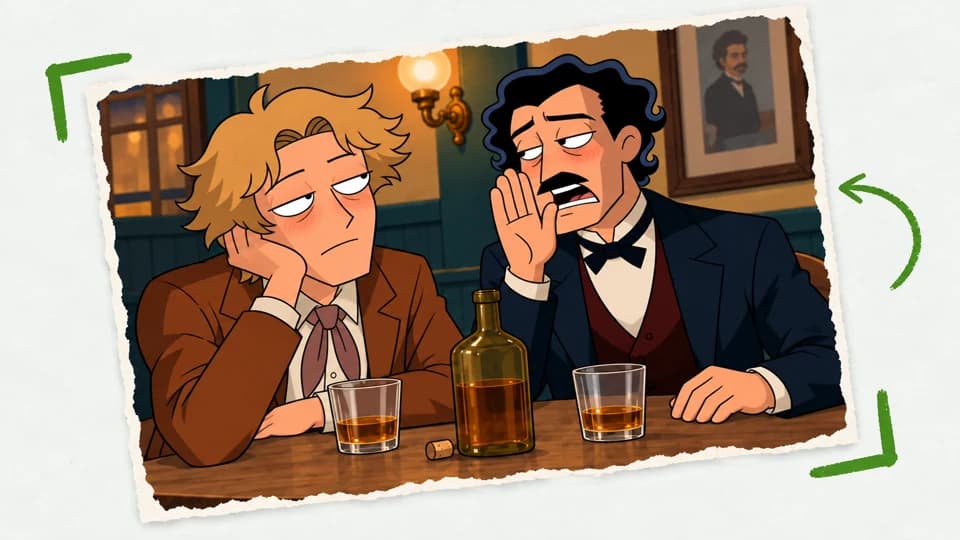
    Board for clip 38: Hunter, chin on his hand

    Clip 38 · 8 s

    Oh, that guy?

    Hunter plays it cool. Booth leans in with the whiskey.

    1. 0–1 sShot 1: close on Hunter, chin on his handShot 1: close on Hunter
    2. 1–3 sHunter: “Oh, that guy? I don’t know him.”
    3. 3–4 sShot 2: the reverse, Booth leans in
    4. 4–7 sBooth: “Come on, let’s drink some whiskey!”
    5. 7–8 sHold on Booth’s grin
    Using
    • Hunter
    • Booth
    • Saloon
  4. Frame, blocking and assembly

    Fringe Uses your references to write the prompts, pick a video model and generate your clip.

    • Hunter’s character sheetHunter · sheet
    • Booth’s character sheetBooth · sheet
    • The Star Saloon from four anglesSetting · Star Saloon
    • Starting frame: Hunter, chin on his handStarting frame · Clip 38
    • Reverse angle: Booth leans in across the saloon tableReverse angle · Booth
      1. 0–1 sclose on Hunter
      2. 1–3 s“Oh, that guy?”
      3. 3–4 sreverse on Booth
      4. 4–7 sBooth’s offer
      5. 7–8 shold on Booth
      Timed breakdown · 8 s
    Final cut
  5. Give notes, then export your short

    Fringe Turns your notes into a new version, ready to export to your editor.

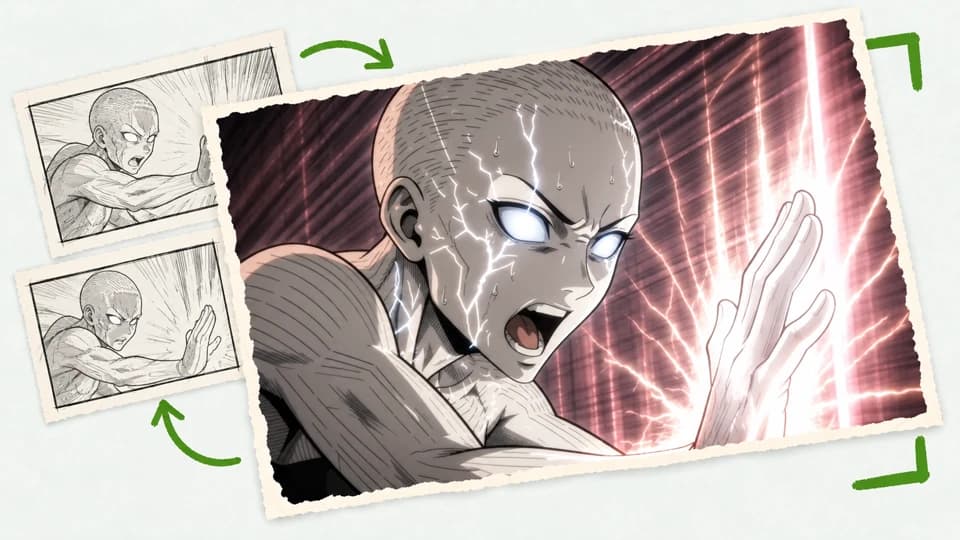
    Version 2 of clip 38, in use: Hunter keeps his eyelinev2 · In use
    Version 1 of clip 38, where Hunter’s eyes drift
    v1 · eyes drift
    Export to
    • CapCut
    • Premiere Pro
    • DaVinci Resolve

    Start your next short with the same cast, settings and style, and build on your work.


Look inside your new studio


Advanced tools, made accessible


Practical guides for better shorts


Pricing

All plans include access to the Fringe Agent and every model.

Pay as you go

Starting at$10

No plan. Top up when you need to.

Top-ups never expire.

Try Fringe Free
Top-up packs
PricePixels
$10 900
$25 2,250
$50 4,500
$100 9,000
  • Best-in-class Fringe Agent on every show.
  • Access to every video model.

Pilot

$49a month

5,000 pixels a month

About 4–5 one-minute episodes on MiniMax H3.

Get Started
  • Unused pixels roll over.
  • Best-in-class Fringe Agent on every show.
  • No limit on episodes, characters or assets in a show.
  • Supports script and asset uploads.
  • Unlimited exports.
  • Commercial use license, so you own everything you make.
  • Optional pixel top-ups whenever you want.

Secure checkout Cancel anytime You keep and own all your work


Now casting your next story

Start your first project for free, no card required.